Easy Onboarding for Your New Clients
Use this Schwab-guided walkthrough to help new clients understand the account setup, developer access, app credentials, and connection steps before entering a governed management workflow:
- Schwab Account
- App Key & Secret
1. Schwab Account Authorization
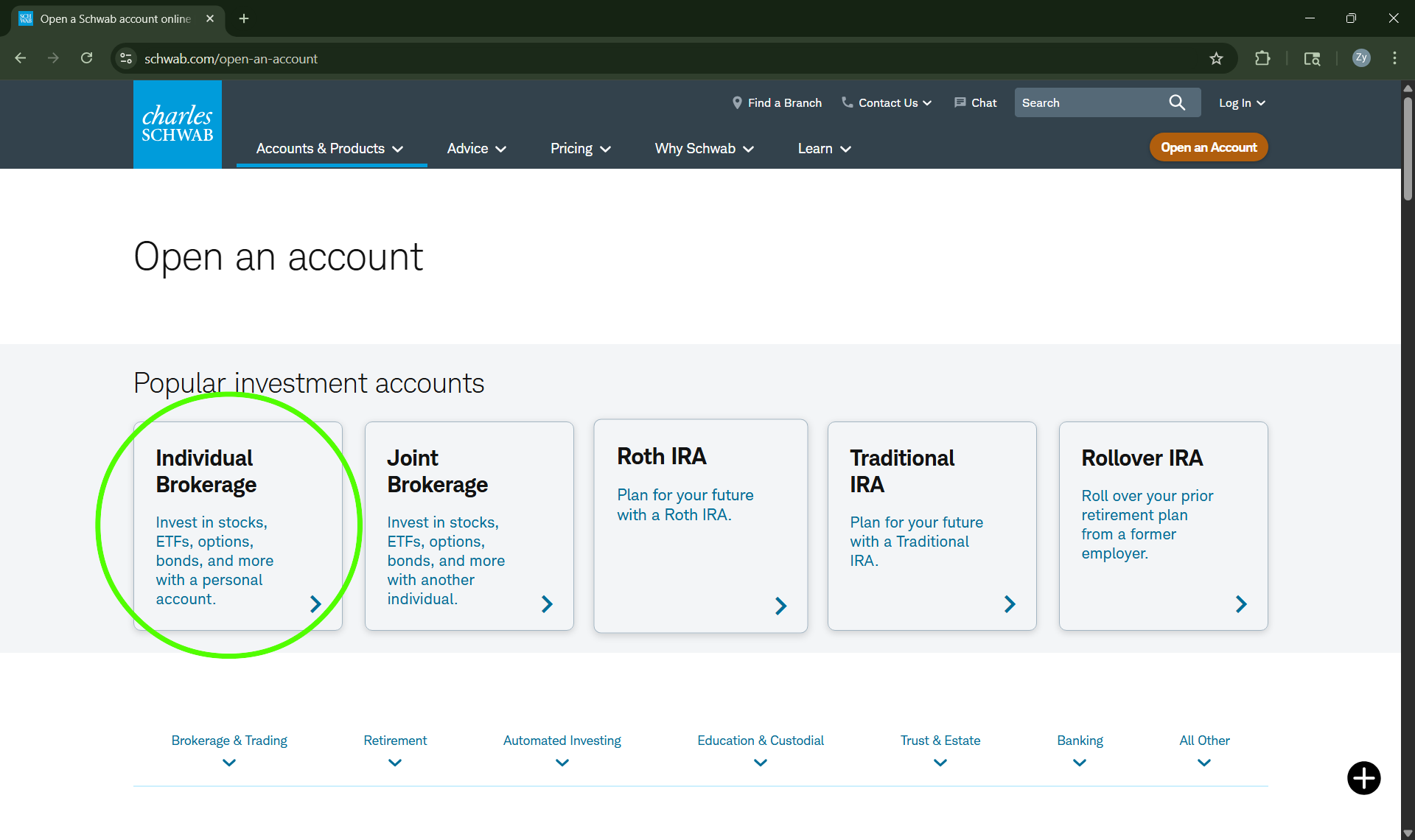
Click here to open or prepare an individual Schwab account
2. Prepare Broker Developer Access
Establish Developer Access
Begin by preparing a secure Schwab developer profile for app access.
Start Developer ProfileGenerate a Schwab Application
Follow the guided steps to create the Schwab app used for connection readiness.
Create Schwab AppManage your
New Key
Locate and secure the app key and secret needed for the connection step.
Secure App Key3. Genysis Connect Client Accounts to the Manager’s Workflow
After Schwab account access and developer credentials are prepared, this step lets the client register into the account manager’s Genysis environment so the broker-connected account can be linked to the manager’s governed workflow.
Client Connection Registration4. Schwab Level 1 Options Approval
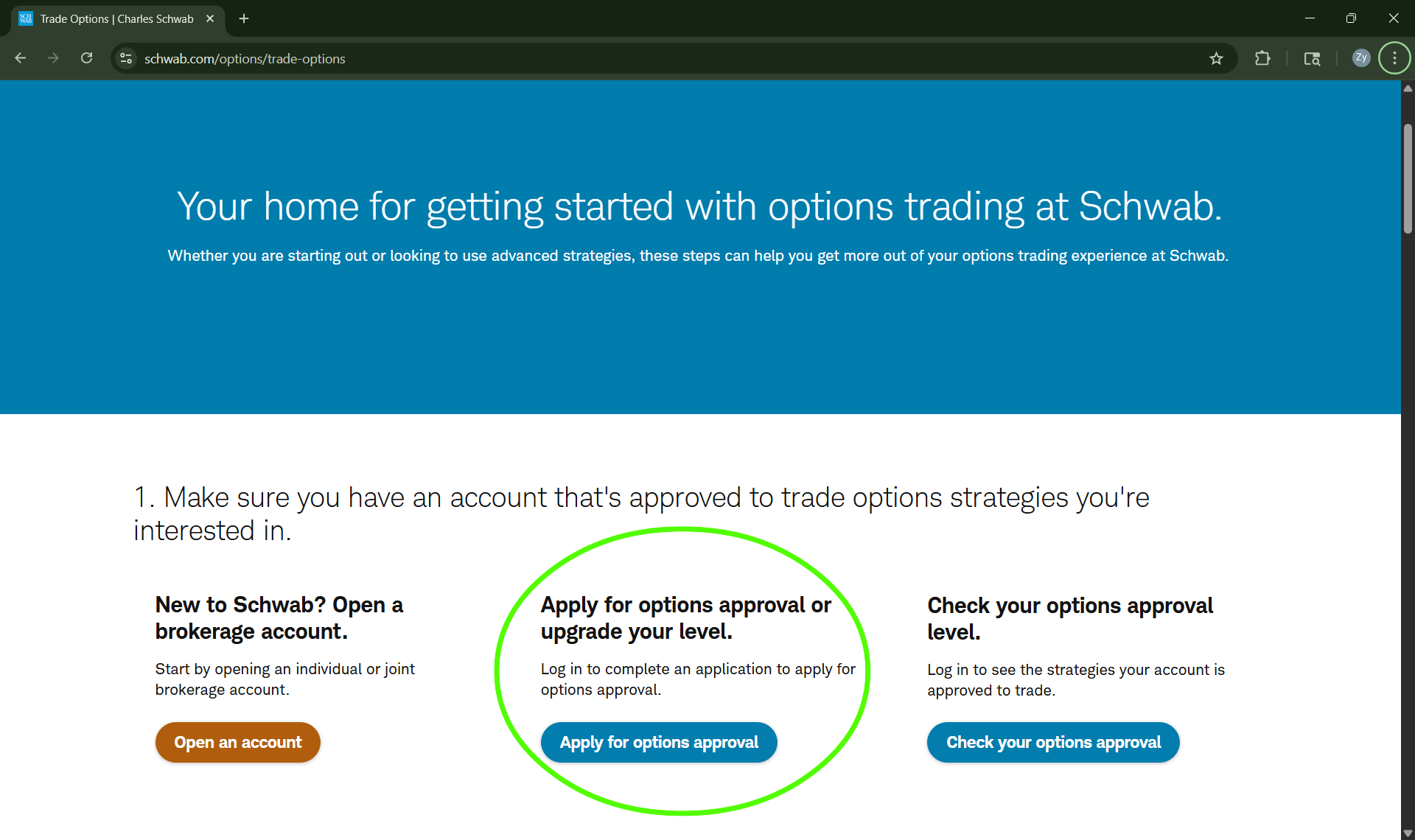
Click here to fill the Schwab's Options Application form.